
Facebook Pages can hide comments containing words you choose. Build a list above, then either paste the terms in or upload them as a file, depending on what your Page settings offer.
Building…
Built from live ratings when you loaded this page — not a file kept somewhere and forgotten. The Open as a URL link is stable, so a bot can fetch a fresh list on restart instead of shipping a copy that goes out of date.
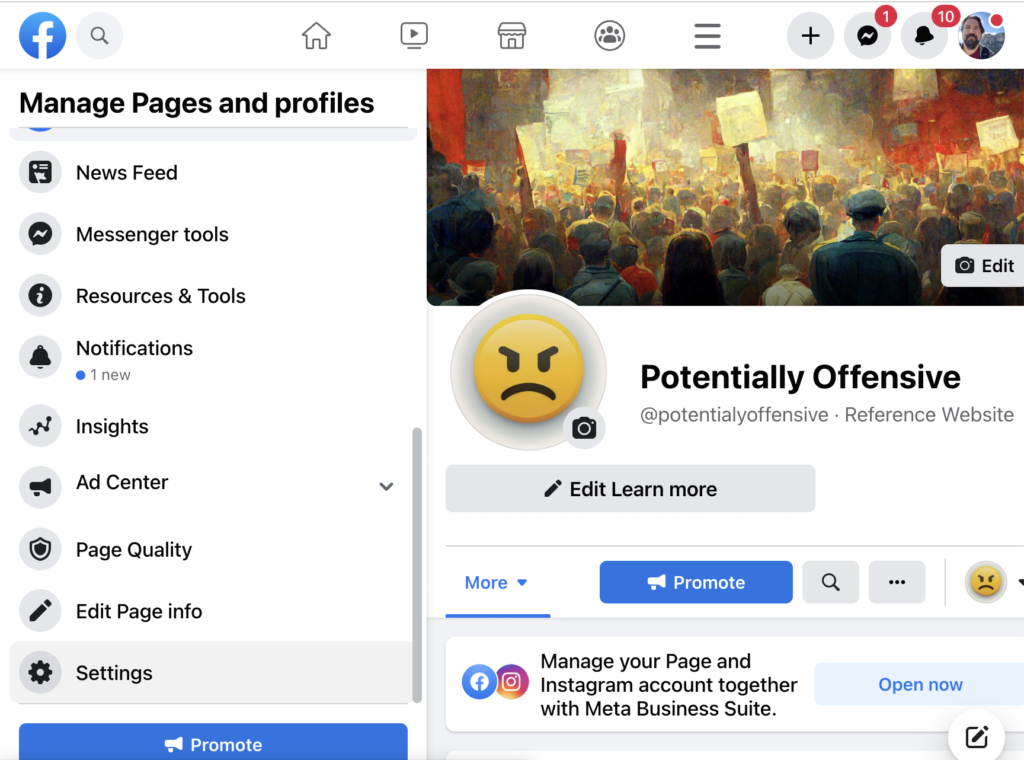
To begin, click on settings from your Facebook page.
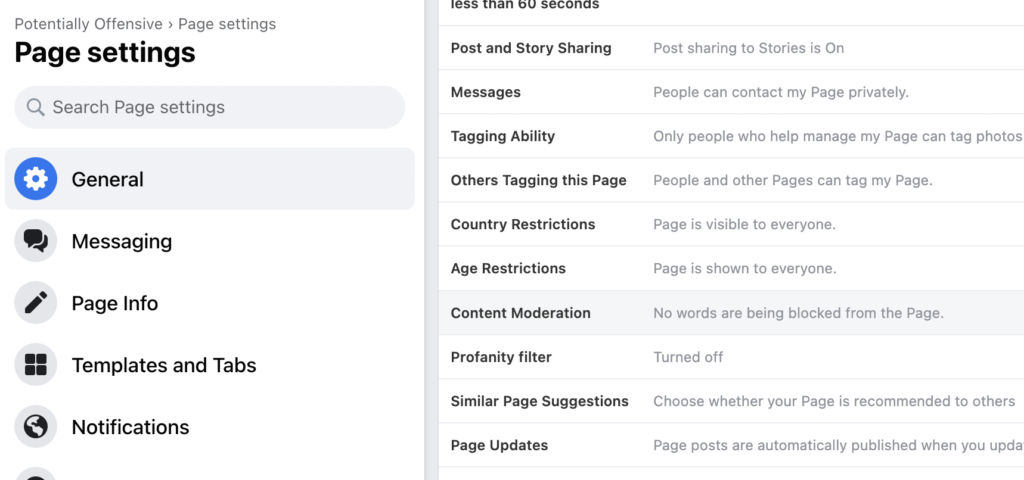
Next choose “Content Moderation” from the settings menu that appears on the right.
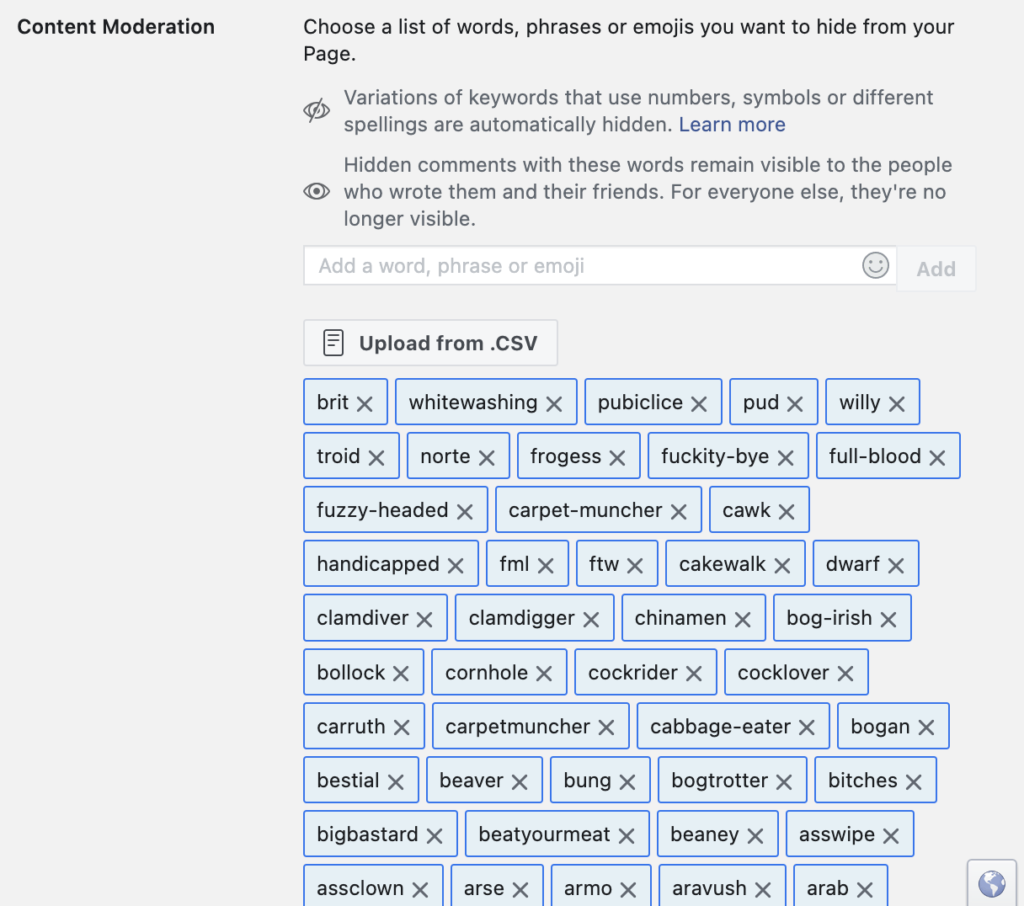
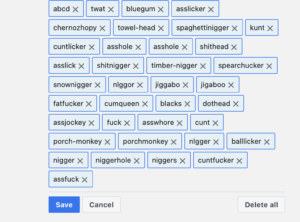
Finally, click the “Save” button at the bottom of the page to commit the change to your Facebook Page settings.
Once you have done this, any messages containing words from the list will be automatically blocked, you may be alerted or you may have the member suspended for a period of time based on your preferences.
If your Page offers a CSV upload, choose One per line above, download it, and rename the file to .csv — Facebook expects a single column with no heading row. If your Page offers only a text box, paste the comma separated list instead.